
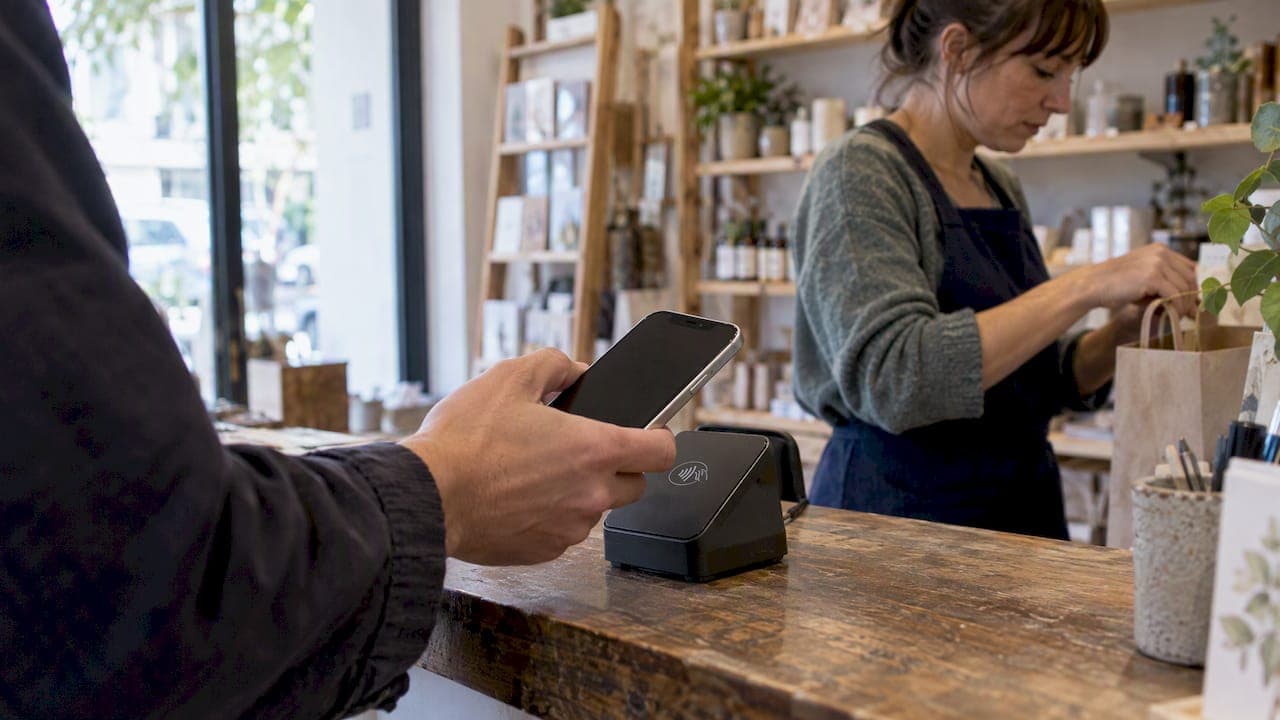
Apple does not charge merchants an incremental fee to accept Apple Pay. Apple's partner guidance says standard card processing fees still apply through your payment service provider. Those fees depend on your processor, the card type, the transaction flow, and your merchant category, so ask your processor for written rate examples before you assume anything.
TL;DR:
- Ask your processor for written rate examples for in person, in app, web, and recurring transactions, because pricing follows the flow and processor configuration.
- Compare quotes against your card mix and merchant category, and account for fixed transaction fees, which take a larger share of small sales.
- Before offering subscriptions or deferred charges, confirm that your processor supports merchant tokens and payments initiated by your business, because issuer support is also required.
- Track Apple Pay separately, then compare approval rates, chargebacks, and average order value before and after launch to measure business effects.
Table of Contents
- How Apple Pay works and why Apple doesn't bill you
- What merchants actually pay: fee ranges and simple examples
- How transaction flow and processor treatment change your fee
- How to enable Apple Pay for your business
- Ways Apple Pay can lower costs and add value
- Our perspective: what to prioritize when you talk pricing
- Lower your Apple Pay processing costs with PaySec
- FAQ
- Sources
How Apple Pay works and why Apple doesn't bill you
Apple Pay is a secure handoff, not a payment processor. Here is the flow:
- The customer authorizes the payment on their device with Face ID, Touch ID, or a passcode.
- Apple produces an encrypted, tokenized payment object instead of passing along the real card number.
- Your payment service provider (PSP) uses that object to complete authorization with the card network and issuer.
- The funds settle to you under your processing agreement, the same way a card payment does.
Apple's Merchant Integration Guide describes this design: Apple handles customer authentication and credential protection, while your PSP handles acquiring. That split explains why Apple has no line item on your statement.
Apple is also clear about its own tooling. Its documentation for the Web Merchant Registration API says enabling that feature carries no Apple implementation fee. That does not remove fees under your separate processor agreement.
The parties that set your costs are the card networks, the issuing banks, and your processor. Interchange, assessments, and processor markup all come from them, not from Apple. When you ask "what does Apple Pay cost," the real question is "what does my processor charge for this transaction type."
What merchants actually pay: fee ranges and simple examples
Because Apple adds nothing, an Apple Pay sale generally costs what the same card would cost. Merchant fees vary by processor and agreement, so ask your processor for its rates.
Apple Pay itself adds no merchant fee, so the cost you see per sale is your processor's rate on the underlying card. Apple states that standard card processing fees may still apply through your PSP.
To see what that means per sale, use a worked example. These inputs are illustrative, not market data: use the rate in your processor agreement to calculate a sample transaction. Subtract the processing fee from the sale amount to estimate what you keep.
Notice that fixed per-transaction fees matter more on small tickets. A fixed per-transaction fee takes a larger share of a small sale than of a larger one.
Rates also shift by card brand, by credit versus debit, and by merchant category. A sample from your own processor, built on your real mix of cards, is worth more than any published average.

How transaction flow and processor treatment change your fee
The most useful distinction is not Apple Pay versus a plastic card. It is card-present versus card-not-present. Apple's Merchant Integration Guide notes that Apple Pay supports both in-person and online flows, and that processing treatment follows the flow and your processor's configuration.
An in-person tap and a web checkout can price differently even though the customer used the same wallet. Treat each flow as its own line when you review a quote.
Recurring and deferred payments add another layer. Merchant tokens, also called MPANs, let you run follow-on charges for subscriptions, automatic reloads, and deferred payments across devices. Apple's merchant token guidance says to confirm that your processor supports the required token type and the merchant-initiated flow before you promise customers recurring continuity. The Platform Integration Guide documents the same support, subject to the issuer and the processor.
Ask your processor for written rate examples for each of these:
- In-person tap at the terminal
- In-app purchase
- Web checkout with device authentication
- Recurring or follow-on charge using a merchant token
Also ask how the processor decrypts and handles Apple Pay tokens. Clear answers up front prevent surprises on your first statement. For a deeper look at where each line item comes from, see our guide to types of ecommerce payment processing fees.
Pro Tip: Request the same sample transaction priced for each flow above, and compare the totals side by side.
How to enable Apple Pay for your business
Setup is straightforward once you pick a path. Follow this sequence:
- Confirm that your processor or gateway supports Apple Pay. Most PSPs do.
- Choose your onboarding model. The Platform Integration Guide describes PSP-managed registration, which is the simplest route, and merchant-managed registration using your own Apple Developer credentials, which gives you more control.
- Pick an integration path: direct API and JavaScript libraries, a hosted checkout page, or a PSP-wrapped library. Hosted pages are fastest to launch. Direct APIs give you full control over the checkout experience.
- Register your domains for web checkout, or configure your terminals for in-person acceptance.
- Test each flow end to end, including a refund and a declined card.
- For subscriptions, confirm merchant token support before you advertise continuity to customers.
- Review your first statements line by line against the rate examples you collected.
If you want a single partner to handle the gateway, terminals, and recurring setup, our merchant services cover in-store, eCommerce, and mobile acceptance in one place.
Ways Apple Pay can lower costs and add value
Apple Pay won't lower your processing rate by itself, but it can reduce the costs around it.
- Fraud and chargebacks: Tokenization and device authentication mean the real card number never reaches you, and each payment is approved by the customer on their own device. Apple's Merchant Integration Guide describes this security design. Fewer fraudulent transactions can mean fewer disputes and less time spent on them.
- Faster checkout: One tap replaces typing a card number and address, which can reduce cart abandonment on mobile.
- Approval rates: Clean, tokenized credentials can help sales clear, which keeps revenue you would otherwise lose.
- Repeat business: Saved credentials make coming back easy for customers.
Adoption gives these benefits room to matter. Statista tracks Apple Pay adoption in the U.S., which is why so many merchant resources point to it when explaining customer demand.
To measure the effect on your own business, track Apple Pay transactions separately from other methods. Compare approval rates, chargeback counts, and average order value before and after you enable it. Transaction-level reporting turns a guess into a number you can act on.
Our perspective: what to prioritize when you talk pricing
Most merchants ask the wrong first question. They ask whether Apple Pay is cheaper, when the better question is whether their processor will show them how each transaction is priced. Wallets are a payment method, not a pricing tier, so the leverage sits in your agreement, not in the logo on the screen.
Prioritize transparency. Ask for interchange pass-through examples and written rate treatment for every Apple Pay flow. Confirm merchant token support for recurring charges and ask for test cases. Then use transaction-level reporting to verify what you were quoted. A processor that welcomes those requests is one you can plan around.
— PaySec Marketing Team
Lower your Apple Pay processing costs with PaySec
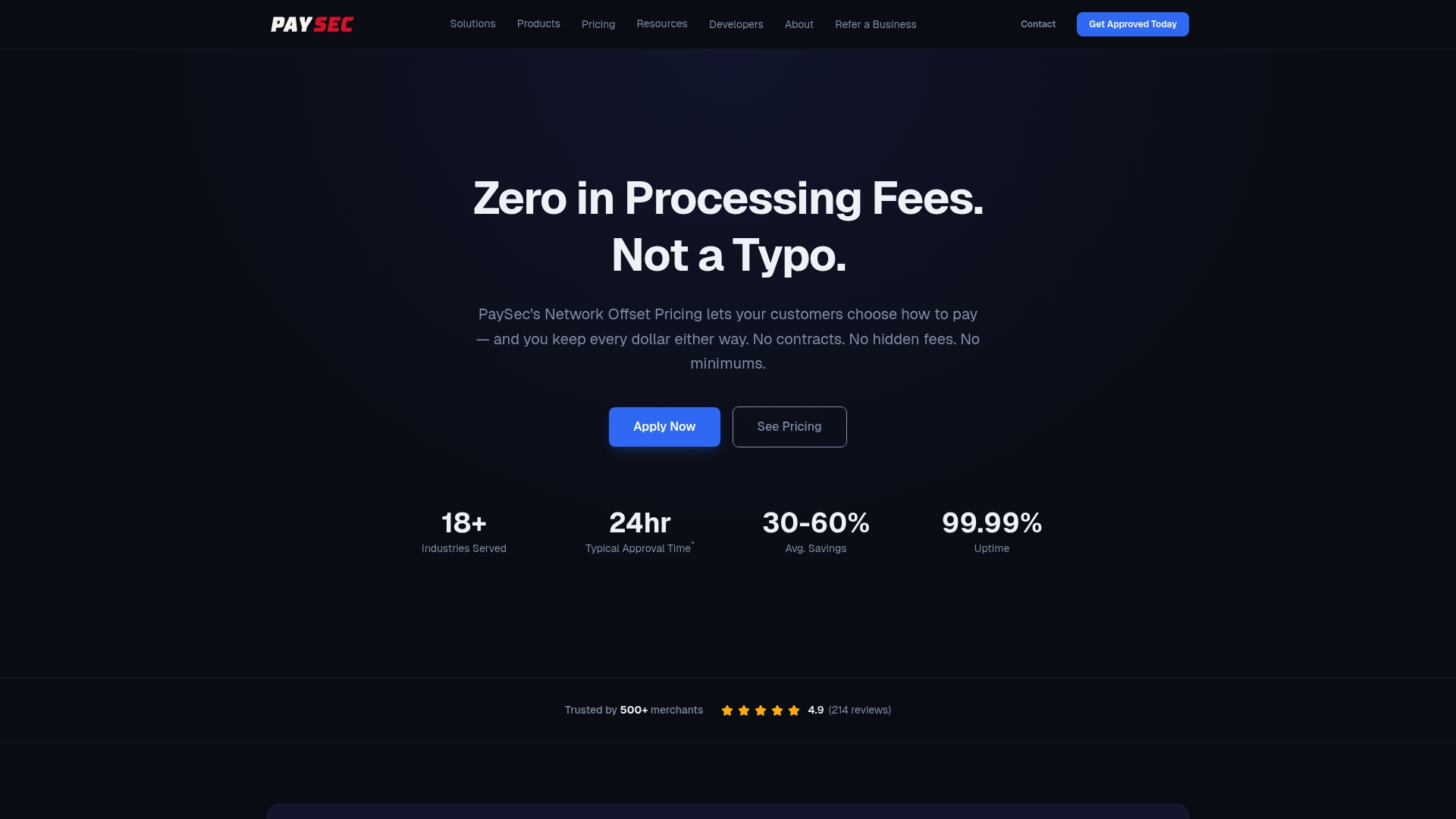
Apple adds no fee, so your savings come from the rates you negotiate. Our Network Offset Pricing passes through true wholesale interchange with no hidden fees, no minimums, and no long-term contracts. We position it as a way for merchants to reduce processing costs compared with other processors, and we back it with detailed transaction reporting so you can see every cost.
Here is what we offer for Apple Pay acceptance, including a compliance-focused SaaS platform for real estate brokerages:
- Merchant onboarding, including high-risk verticals
- A payment gateway for web and in-app checkout
- Recurring billing support for subscriptions
- In-store processing and mobile payments
- Transaction-level reporting
Review our pricing plans or contact us through merchant services to request a transaction-level analysis of your current statements.
FAQ
Does Apple Pay charge a 3% fee?
No. Apple does not charge merchants incremental fees for accepting Apple Pay. Any percentage you pay is your processor's rate on the underlying card.
How much does Apple Pay charge for $100?
Apple itself charges no direct fee on each sale.
Does Apple Pay take 30%?
No. Apple takes no percentage of your sale for accepting Apple Pay. Your costs are the standard processing fees from your PSP, card networks, and issuers.
Do merchants pay more for Apple Pay than for cards?
Generally no. The sale is processed against the underlying card, so pricing follows your processor's treatment of that card and flow. Ask for written examples for in-person, in-app, web, and recurring transactions.